 iPhone
 Android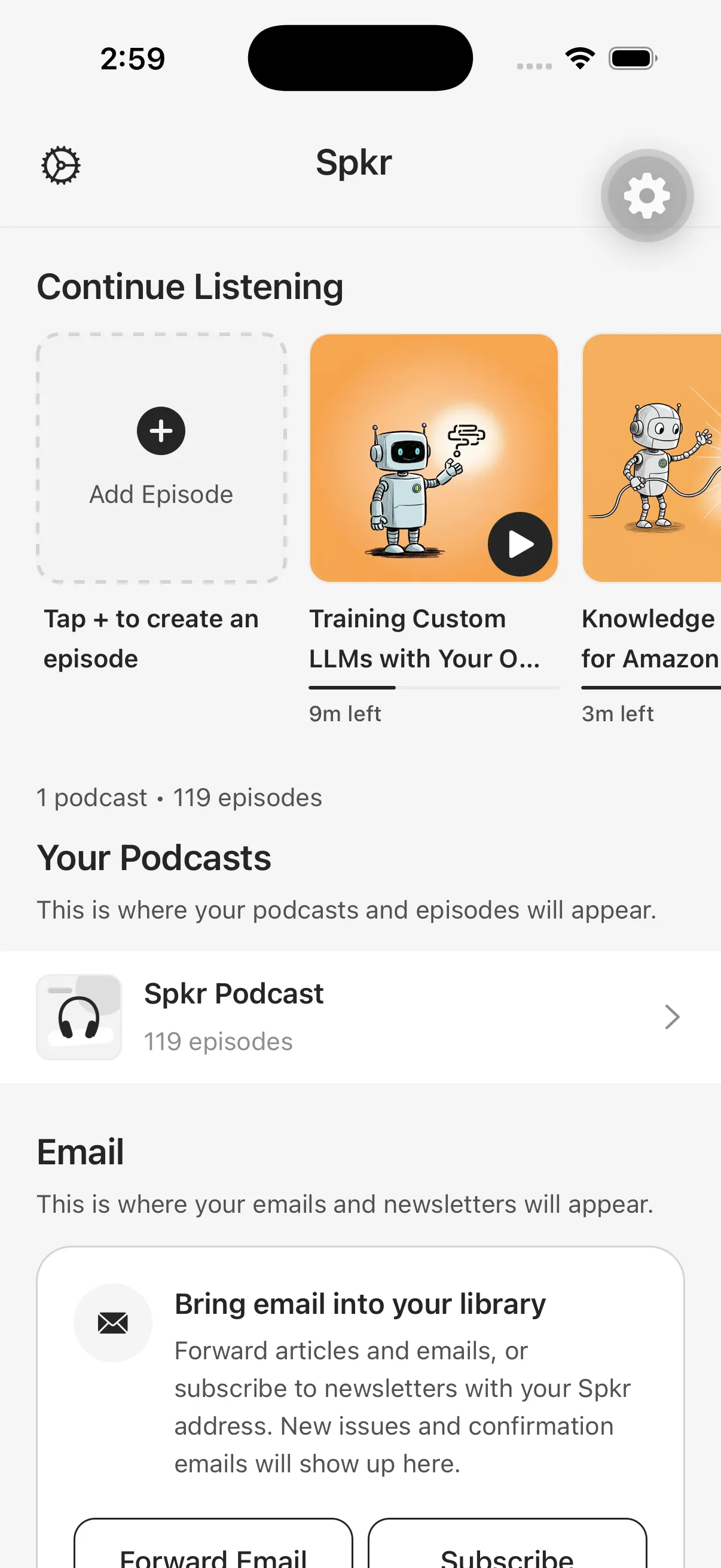
The central difference
Spkr and Speechify can both help move reading into audio, but they begin with different organizing ideas.
Spkr treats saved material as a private podcast backlog. Sources become episodes, live in a listening library, and can flow to supported podcast players through personal RSS. Speechify presents a broader text-to-speech reader and voice-assistant suite across apps, browser extensions, document integrations, and AI features.
Neither model is universally better. The useful question is which one matches the way you capture and revisit material.
Choose Spkr when the queue is the product
Spkr fits users who discover sources across mobile, Chrome, email, files, newsletters, and supported AI tools, then want one private episode library. Its narration styles can preserve the source or reshape it into key points, a simple explanation, guided questions, or a critical counterargument.
The private podcast feed matters when Apple Podcasts, Overcast, Pocket Casts, or another currently supported personal-feed player is already your listening home.
Choose Speechify when broad real-time reading is the priority
Speechify’s official product information emphasizes cross-platform text-to-speech, many voices and languages, speed controls, scanning, cloud-storage integrations, summaries, chats, and a voice assistant. Those capabilities fit people who want a general-purpose reading layer and visual text-to-speech experience across many environments.
Review Speechify’s current official pricing and feature list before deciding. As of this page’s review date, its public pricing page lists distinct free and premium capabilities; that information can change independently of Spkr.
A practical decision table
| Need | Better starting point |
|---|---|
| A private backlog of generated episodes | Spkr |
| Delivery through a supported personal podcast feed | Spkr |
| Newsletter and private-inbox automation | Spkr |
| A broad real-time text-to-speech reader | Speechify |
| Large advertised voice and language selection | Speechify |
| Multiple transformations of the same source argument | Spkr |
| Cloud-drive and scanning features listed by the vendor | Speechify |
Test both with your difficult source
Marketing pages rarely reveal the awkward case that determines daily usefulness. Test the same public article, long PDF, mobile capture, and offline trip. Check what happens when extraction fails, how quickly you can find the result again, and whether the playback destination matches your routine.
This comparison does not score voice quality because that judgment is personal and changes as models evolve. Listen to current samples with headphones you actually use, then evaluate the full workflow rather than a single polished demo.
 Chrome