01 · Capture
Save anything for later.
Use the Chrome extension, mobile share sheet, a URL, pasted text, or a supported document. Your reading backlog becomes a listening queue.
 Get the Chrome extension (opens in a new tab) →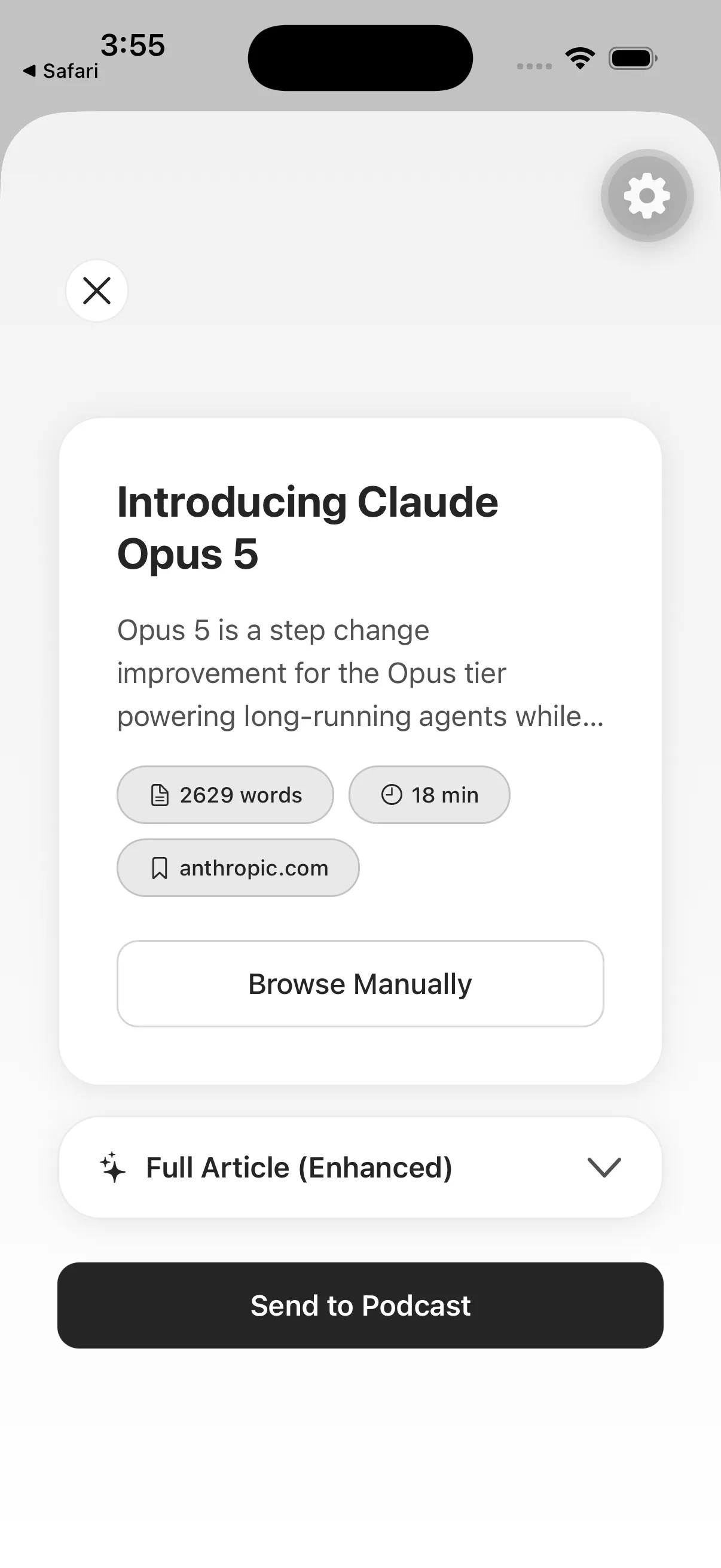
Your reading, ready to listen.
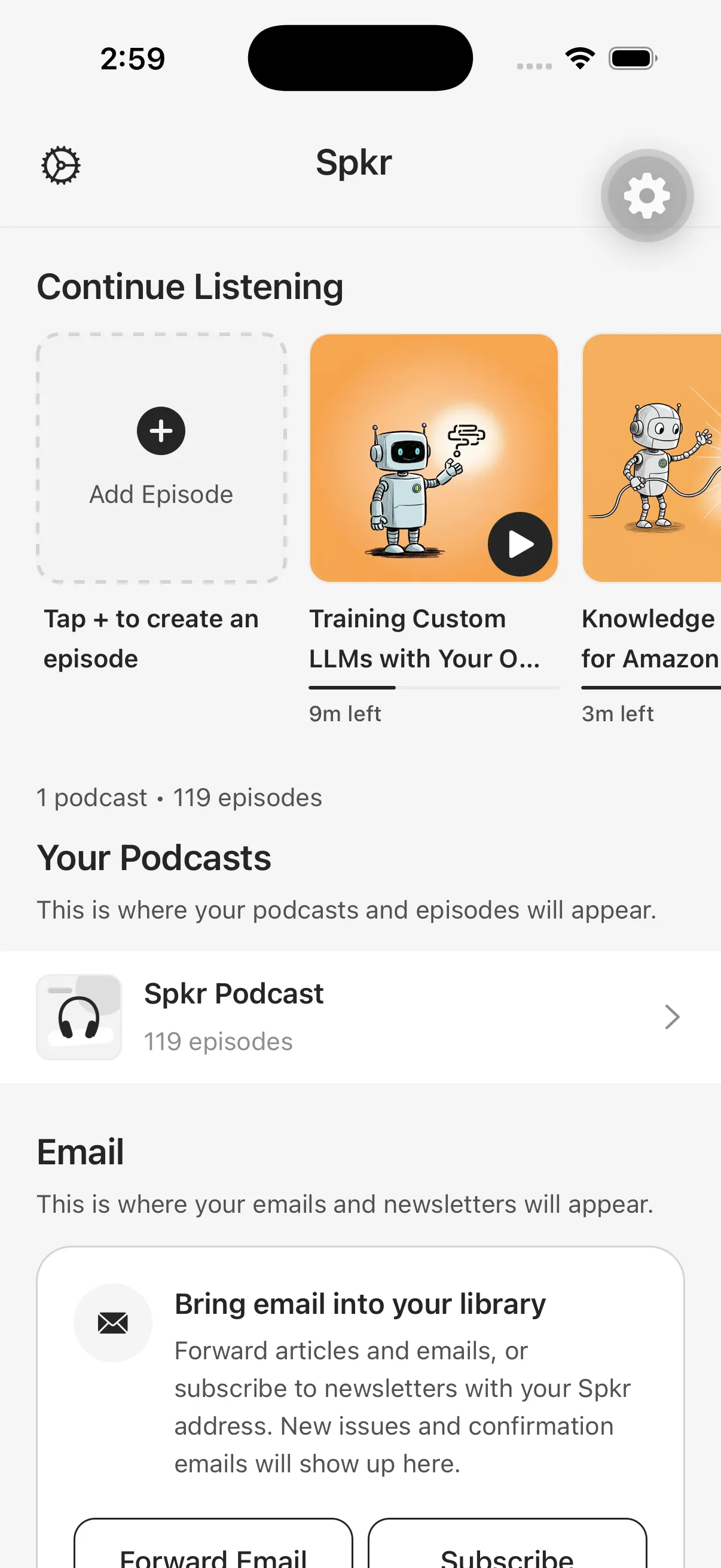
Save articles, newsletters, documents, emails, and AI chats by link, email, file, or AI. Spkr turns them into private episodes for the Spkr app or your preferred podcast player.
One listening library
Capture it when you find it. Spkr converts it, adds it to your queue, and keeps it ready for listening.
Choose your platform01 · Capture
Use the Chrome extension, mobile share sheet, a URL, pasted text, or a supported document. Your reading backlog becomes a listening queue.
Get the Chrome extension (opens in a new tab) →02 · Automate
Forward an email or subscribe directly with your private @inbox.spkr-app.com address. New issues arrive as episodes automatically.
How newsletter delivery works →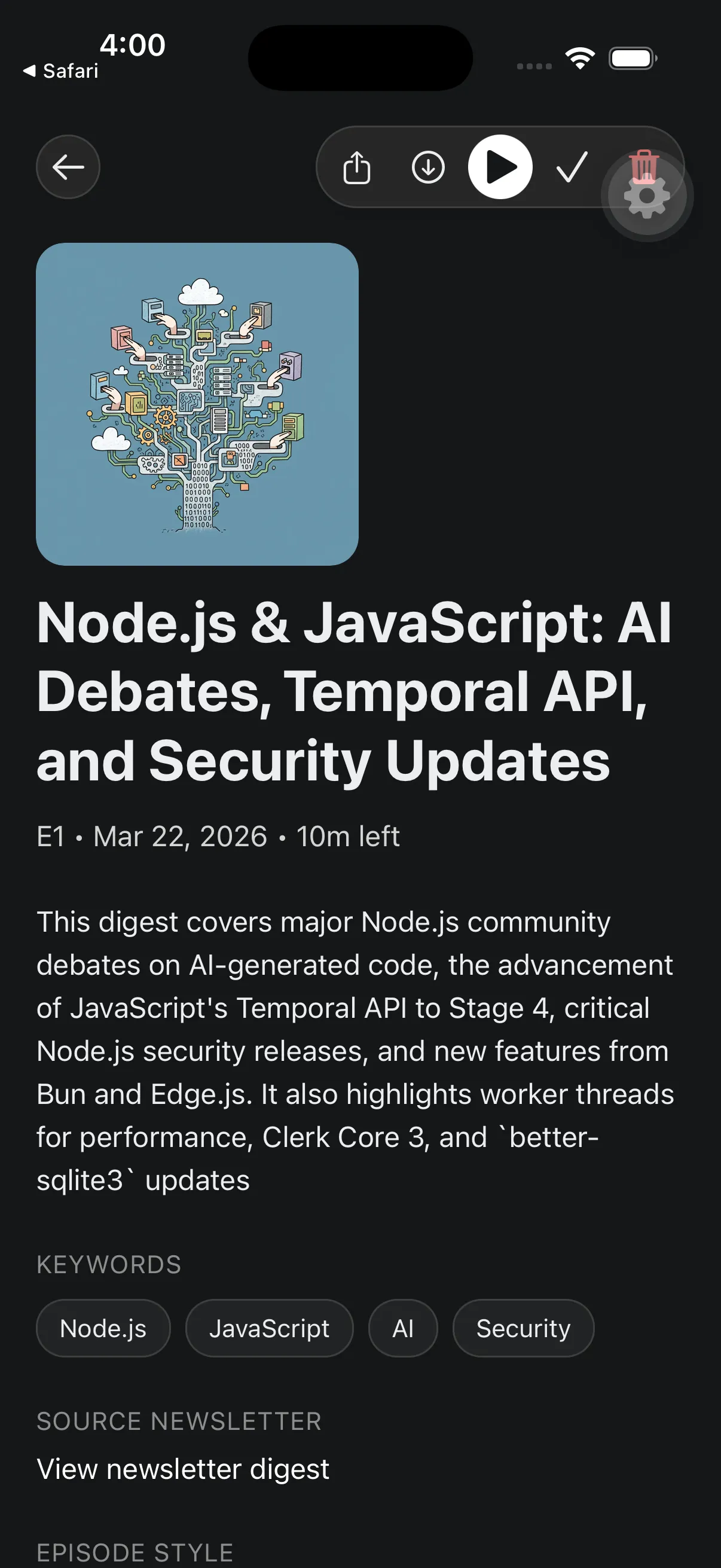
03 · Connect
Connect Spkr once through MCP, then ask ChatGPT or another compatible AI agent to turn a briefing, explanation, research result, or finished conversation into a private episode.
Connect your AI agent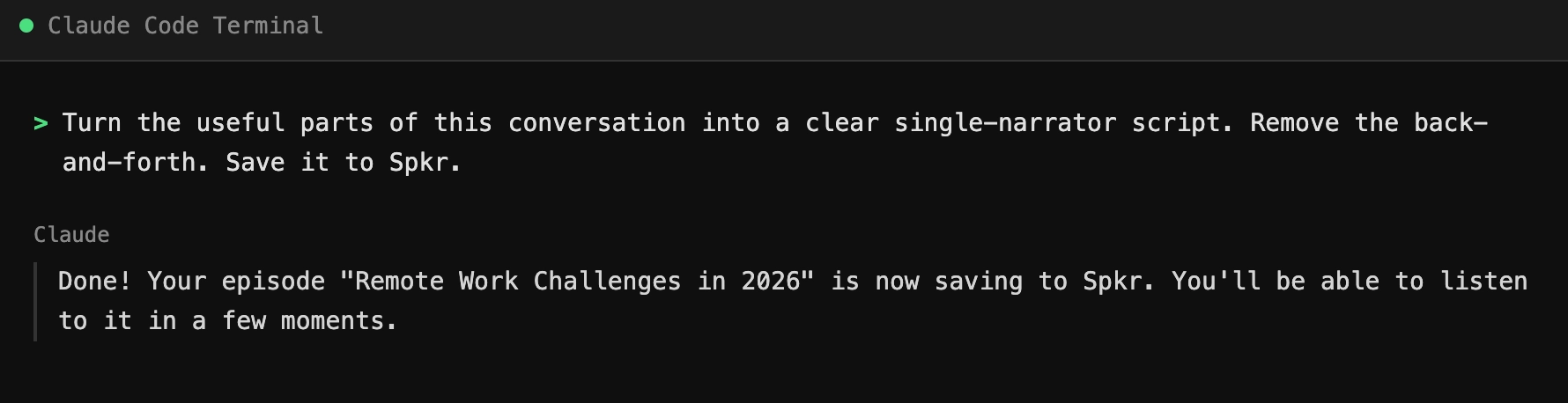
Your content universe
12 min · Key Points
24 min · Full Article
18 min · Analyst
9 min · Quick Summary
16 min · Simple Explanation
7 min · Full Article
14 min · Guided Walkthrough
6 min · Devil's Advocate
21 min · Storyteller
11 min · Key Points
27 min · Analyst
13 min · Simple Explanation
Listen with superpowers
Preserve the full article or reshape it for the time you have and the understanding you want.
Get SpkrAudio + source
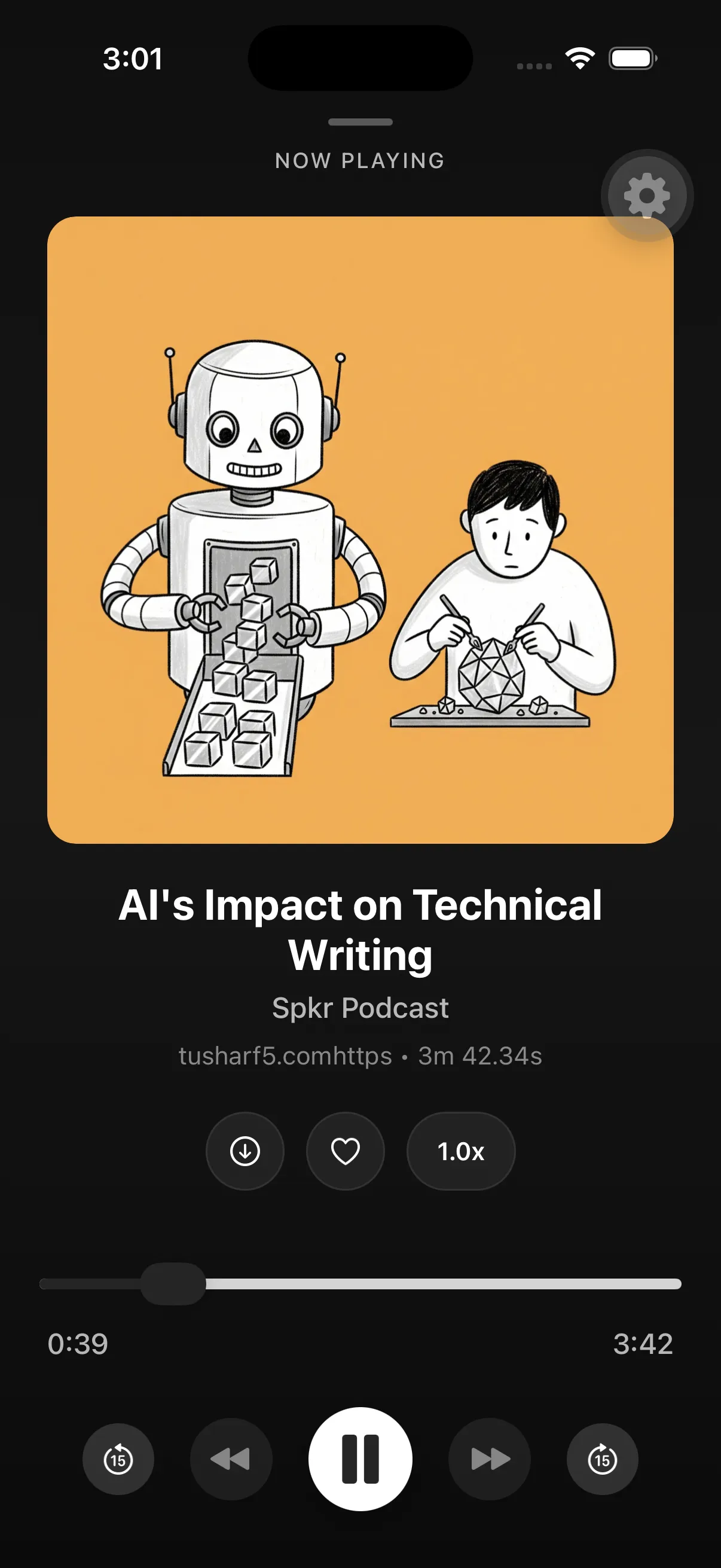
Play in the background, check your progress, open the original source, and return whenever listening fits better.
Narration styles
Keeps the original content, cleaned up for better listening.
Ready to play Full Article
Fast spoken rundown of the main takeaways.
Ready to play Key Points
Plain-English explanation for easy listening.
Ready to play Simple Explanation
Question-led explanation for active listening.
Ready to play Guided Walkthrough
Challenges the argument with thoughtful counterpoints.
Ready to play Devil's Advocate
Short spoken overview of the main takeaway.
Ready to play Quick Summary
Built for the backlog
Listen in Spkr or add your private feed to a supported podcast player.
Keep episodes ready for flights, commutes, and low-signal days.
Arrange what plays next and move through your listening backlog.
Preserve every word or reshape content around your goal.
Turn each new issue into an episode with your private inbox.
Capture from mobile, browser, email, files, and supported AI tools.
Choose your platform
Start with an app, capture from Chrome, or save from ChatGPT or another compatible AI agent. Your account keeps it together.
SPKR FOR
Listen, organize, and save from the iOS share sheet.
 App Store
SPKR FOR
Turn shared links and documents into listening on Android.
 Google Play
SPKR FOR
Save the tab you are reading without breaking your flow.
Chrome Web StoreSPKR FOR
Open the Plugin Directory, search for “Spkr,” and connect your account to save content from ChatGPT.
 Find Spkr in ChatGPT
Your backlog, out loud
Save it once. Hear it wherever your day takes you.
We use optional analytics to understand website and app-store activity, plus cookies for live chat support. By clicking "Accept", you consent to these features. Read our Privacy Policy