 iPhone
 Android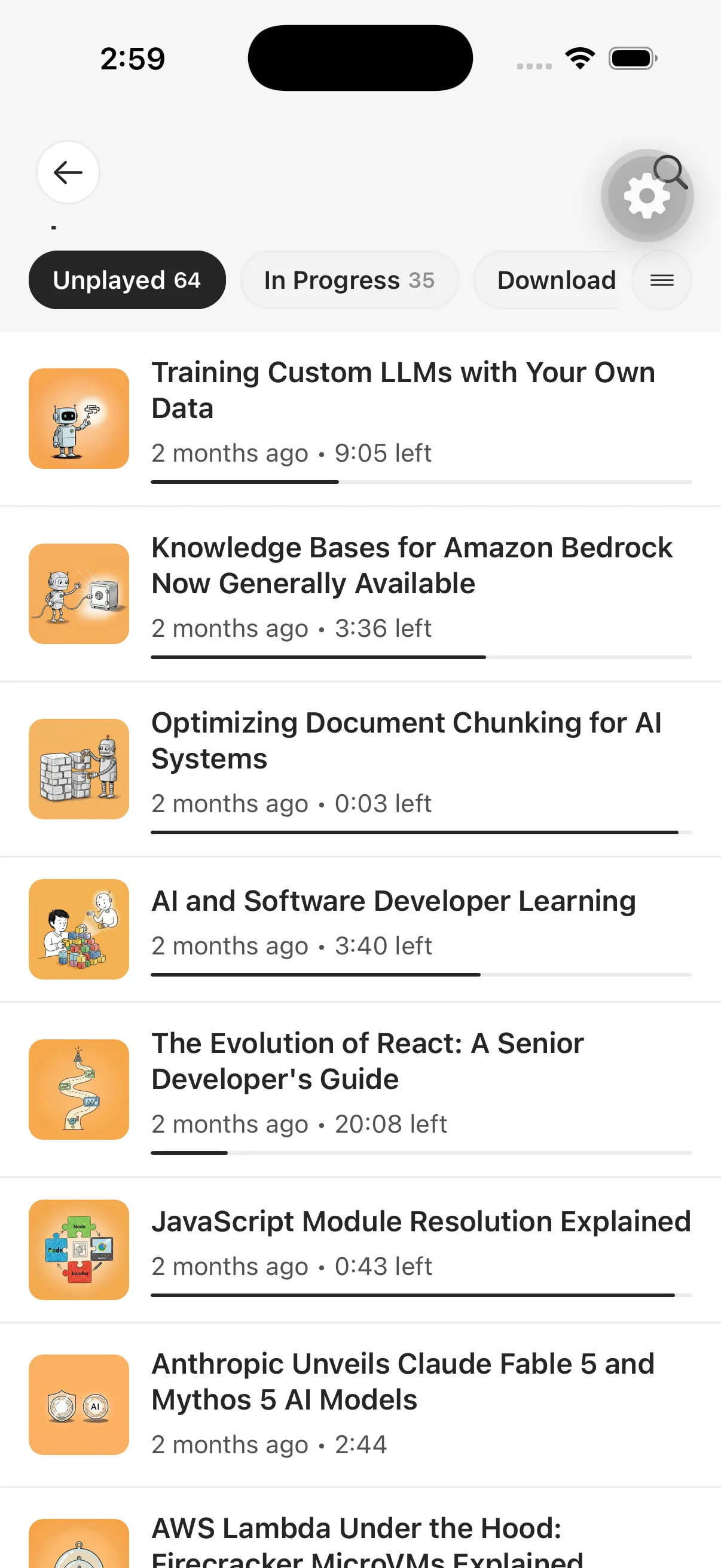
Start with the job, not the feature count
“Article to audio” covers several different products. Some read the current page aloud. Some produce a downloadable speech file. Others create a private listening library or turn the source into a podcast-style explanation.
The best choice depends on where the reading arrives, how much transformation you want, and where you prefer to listen.
Six tests that reveal the real workflow
1. Capture friction
Try the method you will actually use: mobile sharing, a browser extension, pasted URL, email forwarding, or file upload. A technically impressive tool is easy to abandon if saving a source interrupts the moment.
2. Fidelity and failure handling
Use a clean public article and a difficult page with navigation, embedded media, or access restrictions. Check whether the tool explains missing content rather than generating a confident but incomplete result.
3. Listening choices
Decide whether you need direct reading, a summary, an explanation, a conversation, or a critical treatment. These are different outputs, and shorter is not always more faithful.
4. Queue and offline behavior
If listening happens during travel, verify that episodes can be downloaded and found again. Also check whether the app maintains progress and whether a private RSS feed can move episodes into your preferred podcast player.
5. Document boundaries
Test the formats you use: PDFs, EPUBs, newsletters, emails, and pasted text. Ask how the service handles image-only scans, tables, charts, strict paywalls, and protected files.
6. Privacy and economics
Review what is uploaded, retained, and deleted. Compare limits using realistic long documents rather than one short demo. Generation-based products often price usage differently from real-time text readers.
Reader, generator, or private podcast library?
A real-time reader fits users who want immediate speech and visual text tracking. A generator fits people producing reusable audio. A private podcast library fits people who capture reading throughout the day and listen later across a queue.
Spkr is designed around the third workflow. Its distinguishing question is not simply “Can this page speak?” but “Can everything I mean to read become an organized, private listening backlog?”
Re-run this test when a product changes materially. Features, limits, and pricing move quickly, so a useful comparison should always show its review date and link to current official sources.
 Chrome