 iPhone
 Android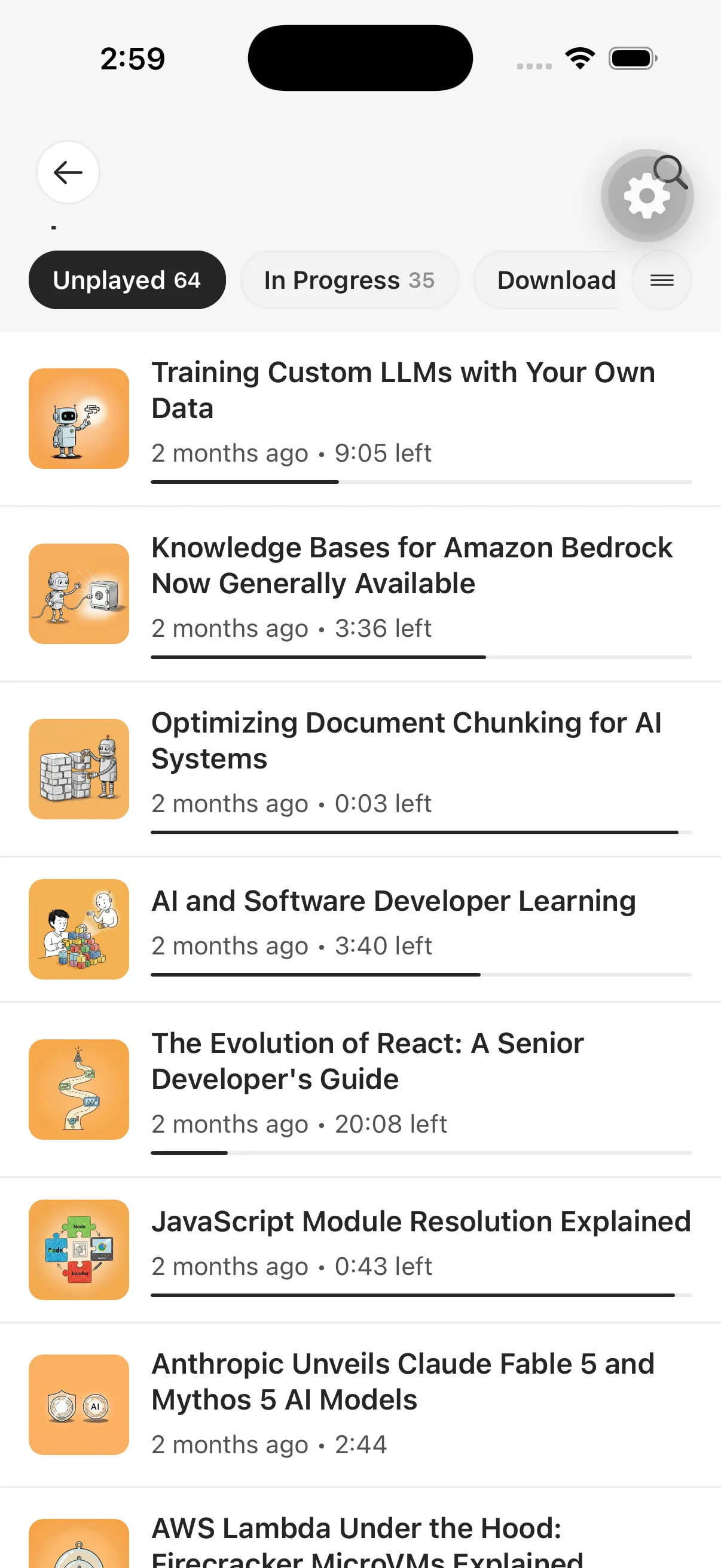
Your reading queue inside a podcast app
A private podcast feed is a personal RSS address that delivers episodes without publishing them to a public catalog. With Spkr, those episodes are created from content you saved: articles, newsletters, email, PDFs, EPUBs, pasted text, and supported AI conversations.
This is useful when a podcast player already owns your listening habits. Instead of maintaining a separate routine, converted reading can arrive beside the shows you already follow.
How the Spkr feed works
- Add source material to Spkr from a supported device or capture method.
- Spkr processes the source into the selected listening style.
- The completed episode appears in your Spkr library and personal feed.
- A compatible podcast player refreshes the feed and downloads or streams the episode according to that app’s settings.
The podcast app controls its own refresh timing, download policy, playback speed, and queue behavior. A newly completed episode may therefore appear in Spkr before another player performs its next feed refresh.
Private means the URL matters
The feed is not meant for public directories. Anyone who obtains a working private feed URL may be able to request its contents, so handle it more like a private link than a public subscription address.
Do not paste it into public posts, screenshots, support forums, or podcast submission forms. If you need help, share account details only through the support path Spkr provides.
When to use the Spkr player instead
The native Spkr experience keeps the converted episode close to its source, account controls, listening styles, and product-specific actions. A third-party podcast app may be preferable when you want one combined listening queue or strongly prefer that player’s playback behavior.
You do not have to choose permanently. The same private library can support different listening contexts, provided the selected podcast app supports personal RSS subscriptions.