 Chrome
 iPhone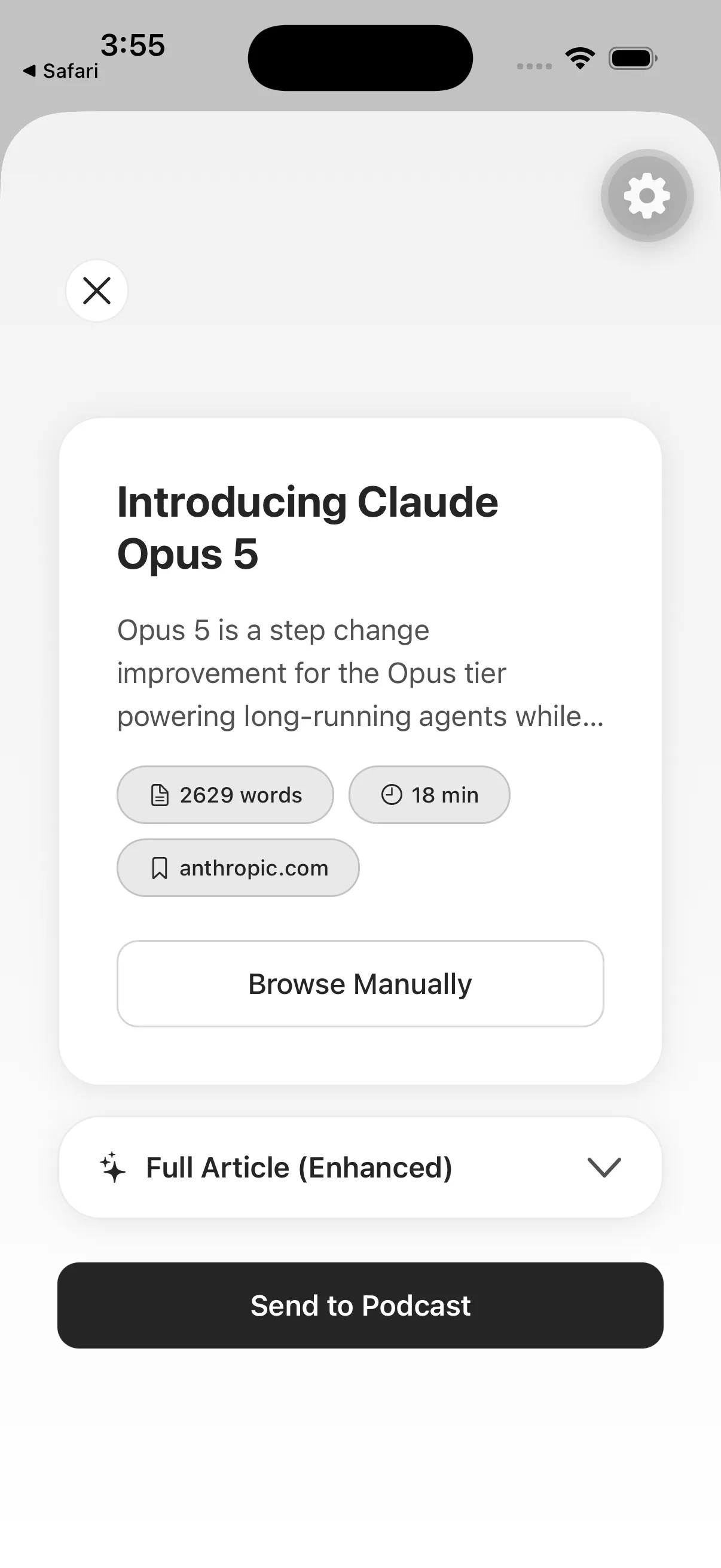
Capture the tab without breaking the reading moment
Browser tabs often become accidental reading lists. The Spkr Chrome extension provides an explicit exit: save the source to a private listening library, then close or organize the tab without pretending you will return at the same desk.
The extension is a capture surface. Spkr performs the conversion and keeps the completed episode with the rest of your account.
The browser-to-listening workflow
- Install the Spkr extension from the Chrome Web Store and connect your account.
- Open a readable article you are authorized to process.
- Use the extension to submit the current page.
- Choose or confirm the listening treatment in Spkr.
- Find the completed episode in the mobile library or supported private podcast feed.
This is especially useful when discovery happens on a work computer but listening happens later on a phone.
What the extension can and cannot solve
A browser extension can make capture easier, but it cannot guarantee access to every source. Pages may require authentication, block extraction, expose only a preview, or rely on interactive and visual content that does not have a meaningful spoken equivalent.
Check the completed source when precision matters. If the article was truncated before submission, generated audio cannot reconstruct the missing section.
Build a deliberate capture habit
Save sources that have a plausible listening path: essays, reporting, analysis, explanations, and long-form posts. Keep code references, charts, and visually navigated documentation in a screen-based reading system.
Using one button for everything merely moves tab overload into an audio queue. A quick source-quality decision at capture time keeps the Spkr library useful.
 Android