 ChatGPT
 iPhone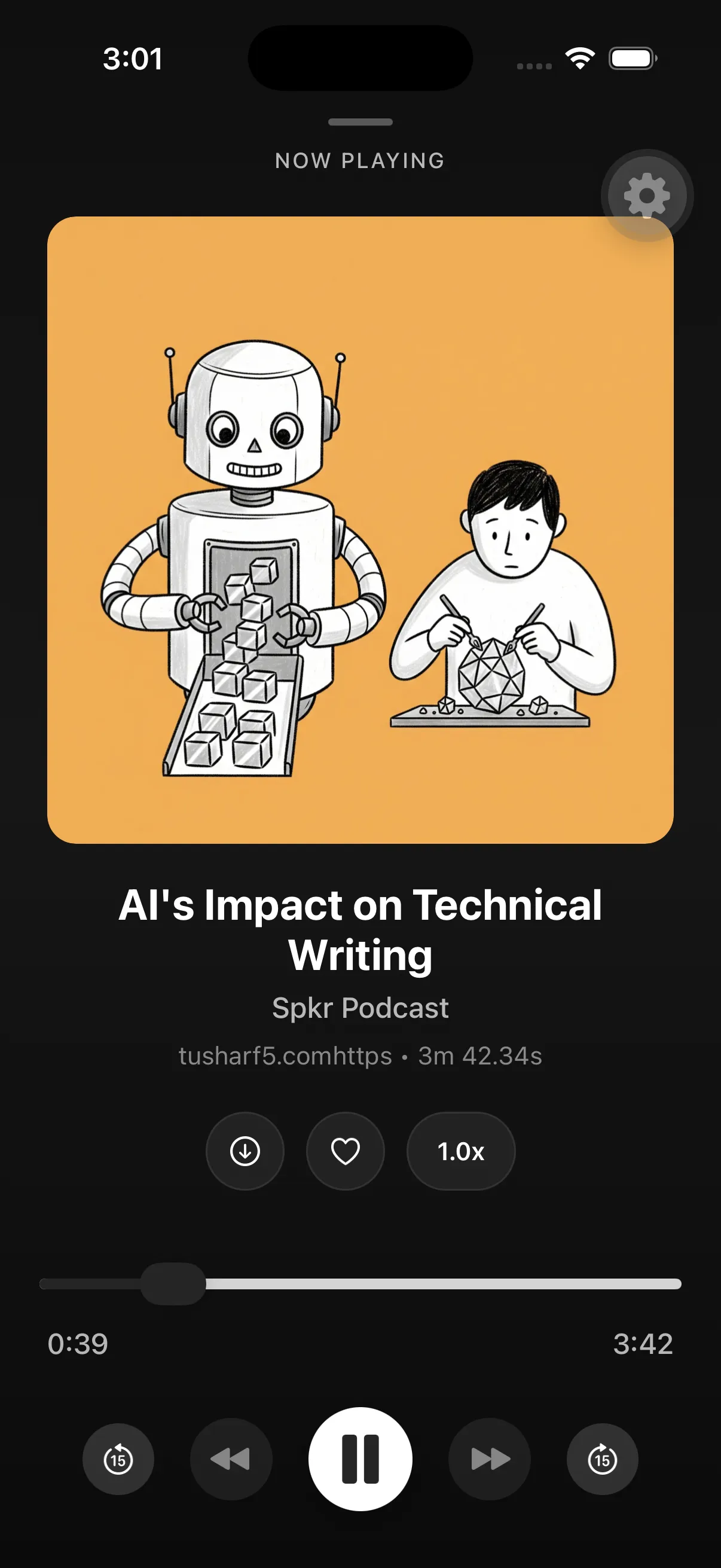
Take a long explanation away from the chat window
AI conversations can produce useful tutorials, structured briefings, study guides, and explorations that are too long to absorb while sitting in the original thread. Spkr adds a listening path: connect your account, save supported material, and hear it later in the same private library as articles and documents.
This does not turn an AI answer into a verified source. It only changes the medium.
A responsible ChatGPT-to-audio workflow
- Use ChatGPT to develop the explanation or material you need.
- Remove information you should not send to another service.
- Connect Spkr through the supported ChatGPT directory experience.
- Save the material to your account and choose a listening style.
- Listen later, then verify consequential claims against primary sources.
Simple Explanation can make dense terminology easier to follow, while Guided Walkthrough creates a more active sequence. Key Points is useful when the original exchange contains repetition or exploratory branches.
If ChatGPT hears “Spkr” as “speaker”
If you use voice input, ChatGPT may sometimes hear “Spkr” as the ordinary word “speaker.” If ChatGPT Memory is enabled, you can ask it to remember what you mean:
Remember that when I say “speaker” while asking to save or send an article or conversation as a podcast, I mean the Spkr plugin.
You can check by asking, “What do you remember about Spkr?” If ChatGPT still chooses the wrong tool, type @Spkr to select the plugin directly. Keeping the memory specific to articles, conversations, and podcasts means it should not affect ordinary requests about speakers.
Accuracy remains a separate task
Generated answers can contain incorrect facts, invented citations, missing context, or overly confident conclusions. Narration may make a response feel polished, but polish is not evidence.
For medical, legal, financial, academic, or business decisions, return to authoritative sources. Keep names, figures, quotations, and referenced publications open for visual verification.
Choose conversations with a spoken structure
Conceptual explanations, language practice, historical overviews, and planning narratives often translate well. Source code, tables, dense formulas, and conversations that depend on many linked documents remain easier to inspect on screen.
The best candidate is a conversation you want to understand as a sequence, not one you need to copy precisely line by line.
 Android